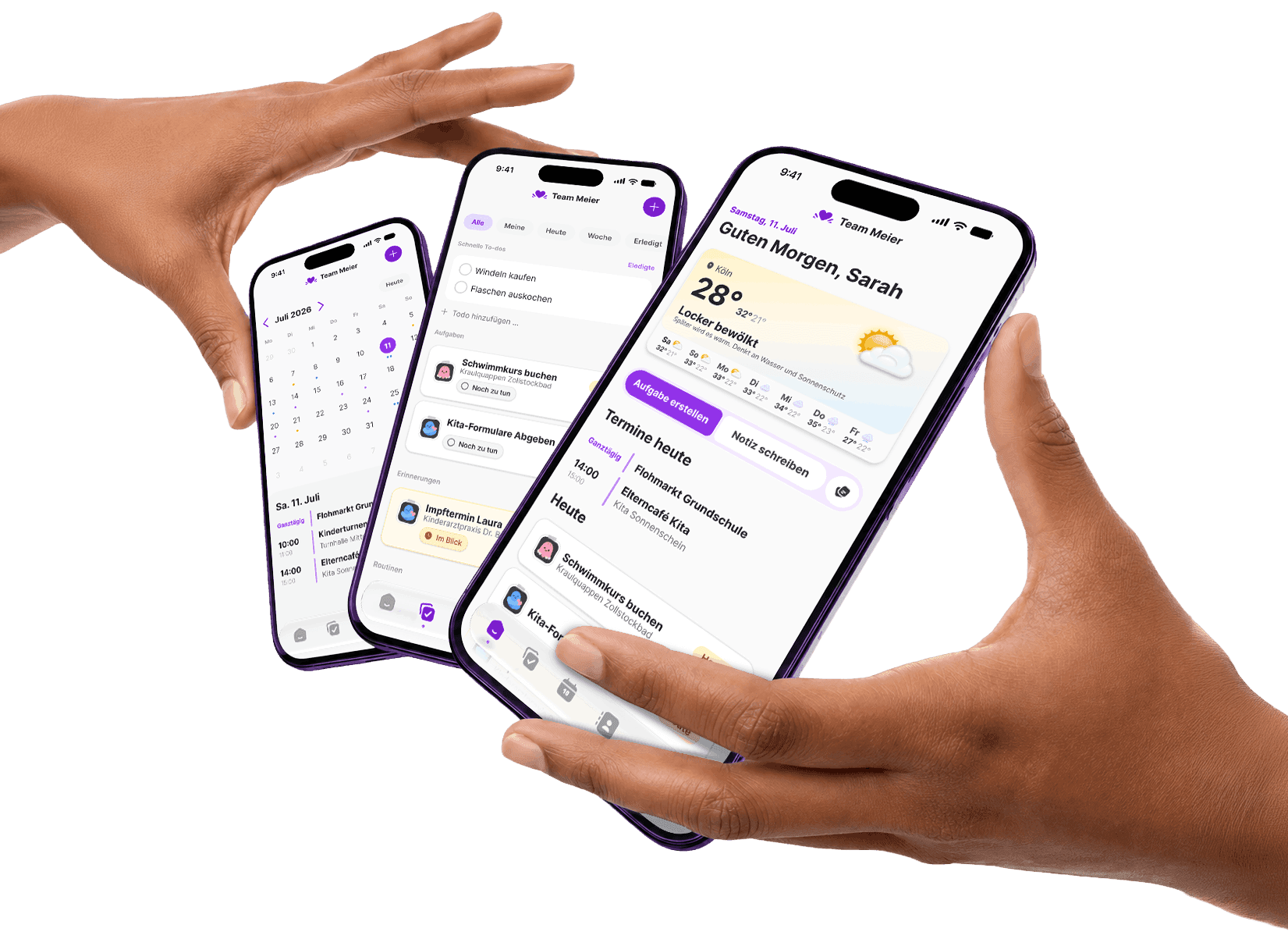
The things worth remembering, where everyone can find them.
The holiday packing list. Everything a babysitter needs to know. Gift ideas for the next birthday. In Famili's notebook, these things stay together and return when you need them.
An example from the Famili notebook
Notebook
Emil's birthday
Gift ideas
- Telescope or star map
 Emil
Emil - Lego crane, the big one
- Audiobook about space
Party
Saturday, 2 pm in the garden. Eight kids, treasure hunt in the basement if it rains.

It's written down somewhere. But where?
The gift idea is in a chat. The packing list is in a private note. Someone sent the pediatrician's number a while ago. When only one person knows where things are, that person still has to remember them.
The notebook gives everyone the same place to start.
A gift idea you'll still find in November.
A note in Famili doesn't simply sit there. It can be connected to the thing it's about.
Write it down and mention Emil
Collect ideas in “Emil's birthday” and mention Emil with @. You'll also find the note from his entry later.
Turn a line into a task
“Pick up cake tin from Grandma” can become an assigned task. The other ideas stay as notes.
The note comes back
Three weeks before the birthday, it appears on Home. No one has to remember to search for it.


Room for everything between events and tasks.
Not every thought needs a due date. Some information simply needs to be there for the family, even when nobody needs it today.
For the next occasion
Gift ideas, party plans and packing lists wait until they're useful again.
For everyone helping out
Babysitter information, school details and emergency numbers can be found without asking one person.
For you alone
A surprise or personal thought can stay private. You choose for each note.
Don't start from scratch.
For the topics every family keeps coming back to, a template is ready to go.
- Gift ideas
- Birthday party
- Health
- Packing list
- Moving house
- Recipe
- Emergency info
- Babysitter info
- School info
Notion for families, Apple Notes, or something made for this?
Notion lets you build your own system. Apple Notes and Google Keep are handy places for shared text and lists. That can work well for notes alone.
Famili helps when a note is part of family planning: the person it mentions, the event it relates to and the task it creates already live in the same place. A birthday note can return on Home at the right time.
| What it does for your family | Famili | Notion | Apple Notes | Google Keep |
|---|---|---|---|---|
| Start right away, without building a system first | YesTemplates for family topics | PartlyLots of freedom, lots of setup | Yes | Yes |
| Mention children and contacts, and find the note on their page | Yes | PartlyOnly people with an account | PartlyOnly people with an account | No |
| Turn a line into a task that shows who's on it | Yes | PartlyWith a database you build | No | No |
| The note comes back before birthdays and events | YesOn its own, lead time per note | PartlySet a reminder yourself | No | PartlySet a reminder yourself |
| Calendar, tasks and contacts in the same place | Yes | PartlyBuild it yourself | NoSeparate apps | NoSeparate apps |
As of September 2026, to the best of our knowledge. Notion, Apple Notes and Google Keep are trademarks of their respective owners.
Questions about the family notebook
Who can see and edit our notes?
New notes are visible and editable by the adults in your family. Choose “Only me” to keep a note visible only to you.
Do we have to set up folders or templates first?
No. You can start with a blank note. Templates cover common topics, and search, pinning and archiving help you find things later.
Is a checklist item the same as a task?
No. A checkbox in a note is only a list item. If someone needs to own it or have a due date, you explicitly turn the line into a task.
Will every note come back automatically?
Only notes that mention a child or contact with a birthday, or an event. You can set the lead time for each note or turn resurfacing off. Archived notes do not return.
Can I find or delete notes later?
Search titles and content, pin notes, or archive them. Deleted notes stay in the trash for 14 days and can be restored during that time.
Write down what you want to know together.
One note is enough to begin. The rest can grow with family life.