
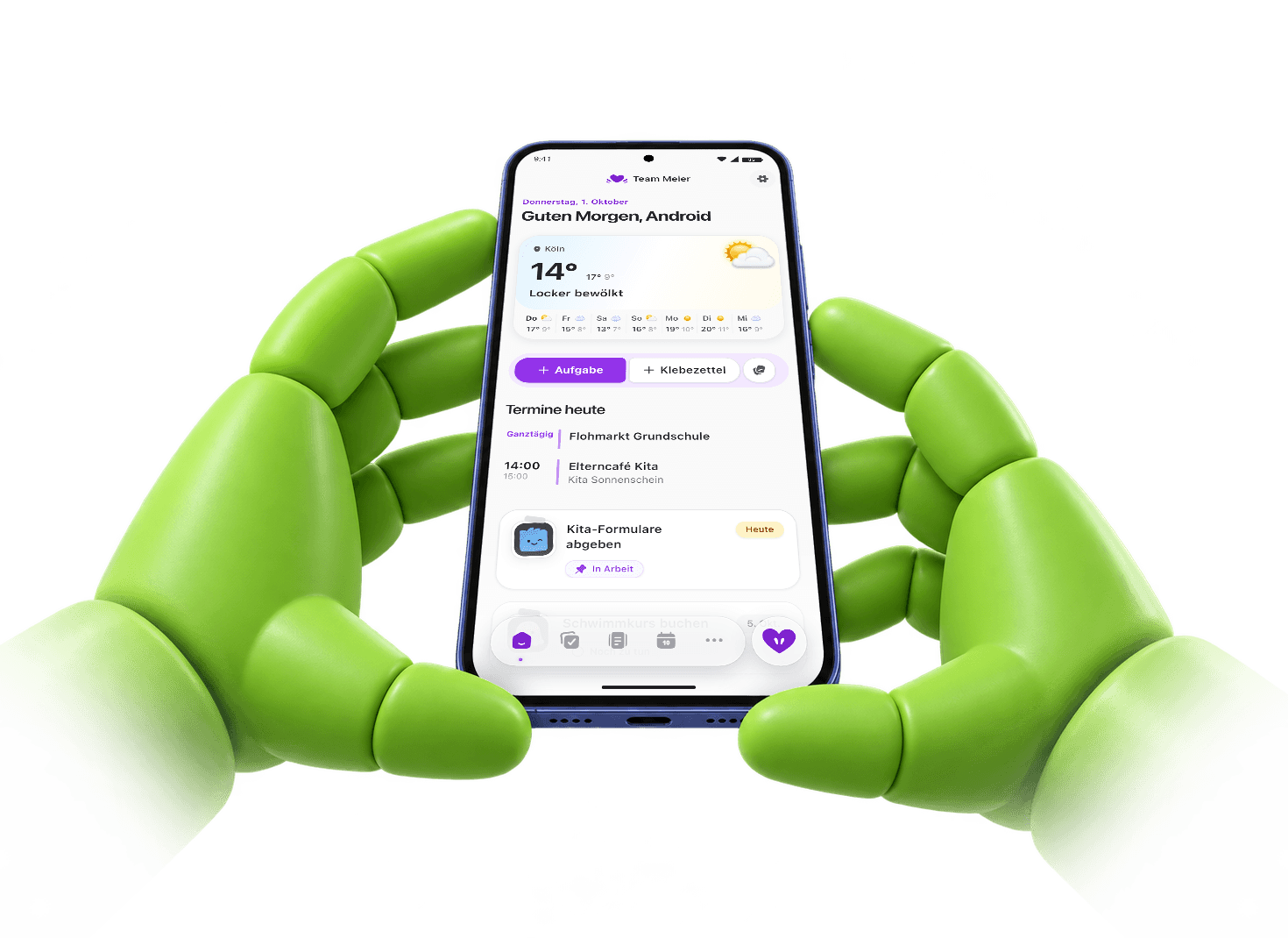
Your family life,now on your Android.
Less to remember, more to share. Your calendar, tasks, reminders and family knowledge, ready wherever the day takes you.
First test version as an APK. Android will ask for extra confirmations. Follow the steps below.
Start in the browser insteadFree, with 14 days of Famili Plus to start. No credit card, no automatic renewal.
On your phone in three steps
Getting our first version onto the Google Play Store has brought unexpected hurdles. So you can already try Famili on Android, we’re offering the first test version directly here.
Your browser and Android may warn several times about an unknown source or app. That can feel unsettling, but those messages alone do not mean malware has been found. Read each prompt at your own pace and confirm the download and installation if you choose to try Famili this way.
Download Famili
Download the APK on your Android phone using our link. Confirm your browser’s file warning with a button such as “Download anyway”.
Allow installation
Open the file. Follow Android’s prompt to Settings and turn on “Allow from this source”. Then return to the installation.
Install and get started
Let any offered Play Protect scan finish. Install and open Famili, then sign in. You can turn off the installation permission for this source afterwards.
Keep Play Protect on. If it reports a harmful app or blocks installation to protect your device, stop and contact us. You can also use Famili in your browser.
On a computer? Open famili.one/en/download/android on your Android phone.
Everything family life needs
Your shared plans, tasks and important details. On Android and in the browser, with the same account and everything in sync.

What actually needs attention today
- Important tasks and reminders in context
- A calm overview instead of an overloaded list
- A smart summary of the day ahead

Clear ownership for the work that usually runs in the background
- Responsibility made explicit instead of silently assumed
- Smart reminders for check-ups and the like
- Recurring reminders, for example for dentist appointments
Appointments with family context instead of empty time blocks
- School, daycare, doctor visits, and daily life in one calendar
- Useful context attached to the event itself
- Enough calm to plan the next week well
Important information exactly when you need it
- Documents stored in family context, not personal folders
- Import contacts from your phone and share them across the family
- Less searching, less repeated asking
Frequently asked questions
Why am I installing an APK?
Our Play Store launch has hit unexpected hurdles, so we’re offering the first test as a direct APK download. This is Android’s installation file. Only use our download link, or use Famili in your browser.
How do I get the next version?
This page always has the current download. Download the new APK and install it over the existing app. You do not need to uninstall Famili.
Can I use my existing account?
Yes. Sign in with the same Famili account you use in the browser or on iPhone. Your family and everything you have added stay available to everyone.
One shared plan. Wherever you are.
Get Famili on your Android phone and make room for a little more togetherness.
Famili for iPhone and the browser